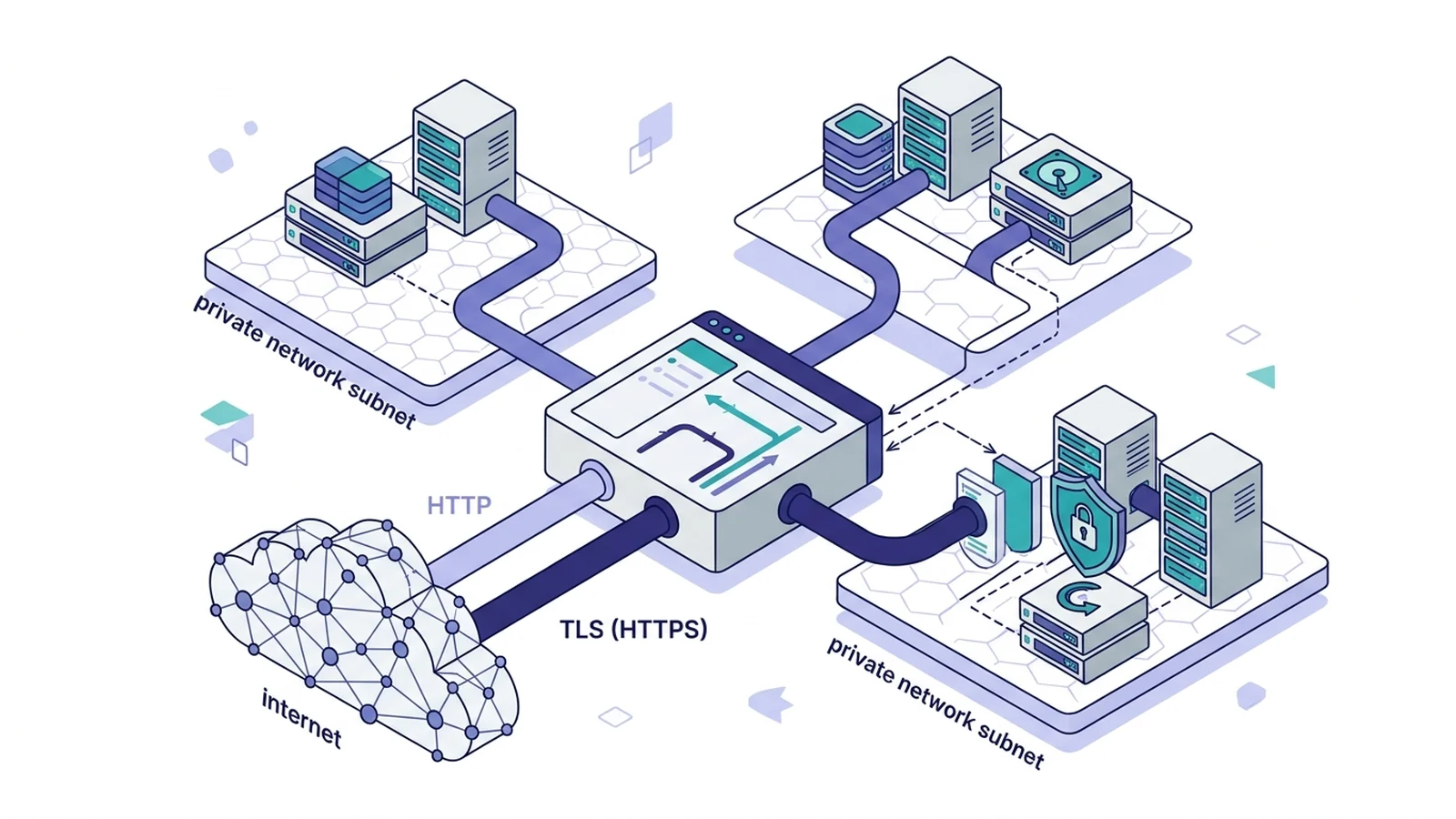
- Route web calls by typing remote node IPs in your site block.
- Adjust Host headers when remote virtual hosts require target hostnames.
- Configure trusted proxies on downstream servers to keep real user IPs.
Core routing concepts for multi-server proxying
To reverse proxy traffic from Caddy to another server, specify the remote IP address, private domain name, or HTTPS endpoint in the reverse_proxy directive inside a site block. Typing reverse_proxy 10.0.1.25:8080 opens an upstream TCP link. It sends incoming web calls across subnets. This setup helps network teams route traffic to back nodes.
Routing calls to a remote box splits web traffic from internal nets. It forwards requests to target IPs. Check out our test in Caddy vs HAProxy reverse proxy to compare edge routing options.
Target boxes can use IPv4, IPv6, or domain names.
# Public edge gateway configuration
gateway.example.com {
    reverse_proxy 10.0.1.25:8080
}
The edge gateway accepts external client connections from the public internet. It dials the remote port at 10.0.1.25:8080. Then it streams backend responses back to clients.
Managing the upstream Host header across network boundaries
Under RFC 9110 rules, the Host header tells a server which site must answer. By default, Caddy's reverse_proxy passes through the client Host header. It forwards this header to the upstream server unless you override it.
multi-site servers check this header. If the client sends an unknown name, the box throws a 404 error. When proxying by IP, upstream boxes often need header_up Host {upstream_hostport}. This matches the backend host definition. Setting header_up Host with upstream_hostport sends the back domain name rather than the public site name.
app.example.com {
    reverse_proxy 192.168.10.50:8000 {
        # Rewrite Host header to match backend virtual host
        header_up Host {upstream_hostport}

        # Forward original connection attributes
        header_up X-Real-IP {remote_host}
    }
}
The table below lists header rules for remote node links.
| Configuration Directive | Forwarded Host Value | Recommended Production Use Case |
|---|---|---|
# Default (no header_up) |
app.example.com |
Backend app knows the public domain and handles its own canonical URL generation. |
header_up Host {upstream_hostport} |
192.168.10.50:8000 |
Target server runs virtual hosting and routes traffic based on destination IP and port. |
header_up Host internal.local |
internal.local |
Downstream service is an internal web application expecting a dedicated private domain name. |
for socket apps on remote servers, see our post on Caddy reverse proxy WebSocket to route live socket data.
Proxying from edge ingress to another proxy server
When Caddy proxies to another Caddy box, the backend box must trust the edge proxy. Configure trusted_proxies on the backend box to accept forwarded client headers. Caddy writes client IPs to X-Forwarded-For automatically. It also writes proto and host headers when routing to backends.
Without trusted_proxies, downstream boxes treat edge proxies as untrusted clients. They drop forwarded client metadata. In multi-tier setups, backend Caddy servers use trusted_proxies to accept client IPs in X-Forwarded-For headers.
Configure the downstream backend Caddy instance with global trusted proxy blocks to retain real client IPs.
# Downstream backend configuration (IP: 10.0.1.50)
{
    servers {
        trusted_proxies static 10.0.1.10/32 10.0.1.11/32
    }
}

internal.example.com {
    bind 10.0.1.50
    reverse_proxy 127.0.0.1:3000
}
The edge box sends traffic to the back node over private LAN links.
# Edge public configuration (IP: 10.0.1.10)
api.example.com {
    reverse_proxy 10.0.1.50:80 {
        header_up Host {http.request.host}
        header_up X-Forwarded-Proto {http.request.scheme}
    }
}
This layout ensures that access logs and upstream services record real client addresses accurately across all hops. Downstream services log the actual visitor IP.
Securing inter-server traffic with internal HTTPS and custom CA
Proxying to an HTTPS upstream requires valid TLS certs. Caddy checks each cert unless you set custom CA certs or trust rules. When using an HTTPS upstream with a private cert, set tls_trusted_ca_certs. Root certs verify the link.
The transport http block accepts tls_trusted_ca_certs to trust private internal CA bundles. It accepts tls_server_name to specify the Server Name Indication string during TLS handshakes. The tls_server_name setting sets the Server Name Indication name. Caddy sends this name during the TLS handshake. This lets the backend present the right cert even when reached by direct IP.
internal-secure.example.com {
    reverse_proxy https://10.200.0.15:8443 {
        transport http {
            tls
            tls_trusted_ca_certs /etc/ssl/certs/internal-company-ca.crt
            tls_server_name backend-node.corp.local
        }
    }
}
This setting lets the backend present the correct virtual server certificate even when connecting directly to an IP address. For background on mutual authentication, check our guide on mTLS vs TLS difference.
Health checking and failover across multiple backend servers
Caddy supports active health checking to remote upstreams using health_uri, health_interval, and health_timeout to detect failed remote nodes. The router drops failing endpoints from rotation. Active health checks query health_uri on a fixed timer. They pull dead nodes out of the routing pool.
In addition, Caddy supports passive health checking using max_fails and fail_duration to isolate upstream nodes that fail live connection attempts. Passive health checks track live errors with max_fails and fail_duration. They pause traffic to unresponsive nodes.
cluster.example.com {
    reverse_proxy 10.0.2.10:8080 10.0.2.11:8080 10.0.2.12:8080 {
        # Load balancing policy across three remote nodes
        lb_policy round_robin
        lb_try_duration 3s
        lb_try_interval 250ms

        # Active health checks probing every 5 seconds
        health_uri /healthz
        health_port 8080
        health_interval 5s
        health_timeout 2s
        health_status 200

        # Passive health checking on live request failures
        fail_duration 15s
        max_fails 2
    }
}
For subpath path routing rules on remote servers, see our guide on Caddy reverse proxy subpath.
frequently asked questions about caddy multi-server proxying
Does Caddy pass the incoming Host header to another server automatically?
Yes. Caddy preserves the incoming client Host header by default. If your remote backend expects its own internal hostname or IP, configure header_up Host {upstream_hostport} inside your reverse_proxy block.
How do you proxy to another Caddy server over HTTPS?
Specify the https:// scheme in your reverse_proxy directive. When the remote server uses an internal private CA certificate, add tls_trusted_ca_certs to the transport http block.
Why does the downstream server see the edge proxy IP instead of the client IP?
The downstream web server needs trusted proxy directives configured. Without trusting the edge proxy IP address, downstream servers ignore forwarded client metadata.