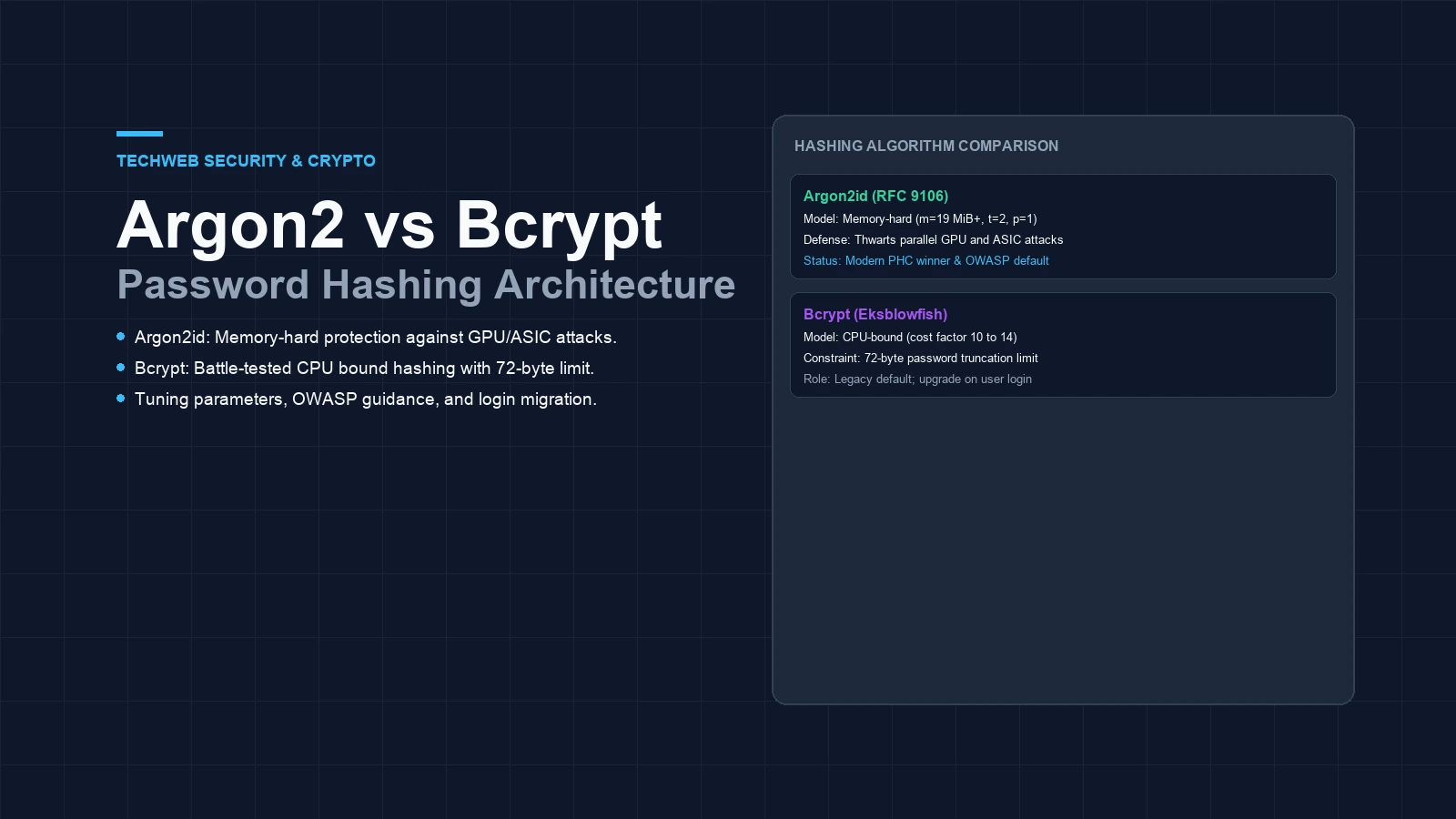
- Argon2id uses tunable RAM memory to stop fast password cracking on modern graphics cards.
- Bcrypt uses four kilobytes of RAM. It silently drops all characters past seventy-two bytes.
- You can upgrade user accounts with zero downtime by rehashing data during daily sign-ins.
Argon2 vs bcrypt password hashing comparison
Argon2 vs bcrypt password hashing: which tool should you choose for user logins? Pick Argon2id for new builds. It uses memory hardness to stop fast cracking on graphics cards. The older bcrypt tool still works well on older stacks, but it has a strict size limit and low memory use. This guide compares both tools, shows good setup numbers, and explains how to upgrade user hashes safely.
User sign-in systems need slow math to protect secrets. Fast hash tools like SHA-256 process millions of lines each second, which makes stolen data easy to crack. Slow functions force delays on purpose. Both of these tools slow down bad actors, but they rely on very different hardware limits to do it.
Your choice shapes login speed, server load, and defense strength. Strong hashes matter. If a database leaks, a good hash stops attackers from testing billions of guesses. Let us look at how both tools work and how you can tune them for your web applications.
How memory hardness blocks GPU cracking attacks
Why does memory use matter when storing user secrets? Stolen files get attacked with custom computer chips. Modern graphics cards pack thousands of small cores on a single board. If a hash function only needs basic math, an attacker can run thousands of tests at once.
The older Blowfish-based tool uses only four kilobytes of RAM per task. That footprint is tiny. It fits right into the fast cache of almost any graphics chip. As a result, cracking rigs can test millions of guesses each hour with very little power.
The newer standard takes a fresh path. It fills sixteen to sixty-four megabytes of RAM before it outputs a result. Memory bandwidth stalls. Because graphics cards have tight memory lanes, high RAM use stalls their cores. Attackers cannot run massive parallel jobs on cheap boards, which tilts the field back to defenders.
Feature comparison of both hashing tools
Picking the right algorithm takes clear facts. Facts guide good choices. The table below shows how both options stack up across key system metrics.
| System property | Bcrypt (Eksblowfish) | Argon2id (RFC 9106) |
|---|---|---|
| Primary defense | CPU math cycles | RAM and memory bandwidth |
| Standard spec | OpenBSD crypt (1999) | IETF RFC 9106 (PHC winner) |
| Memory per hash | 4 KB fixed size | 19 MB to 64 MB tunable |
| Max secret size | 72 bytes (hard cutoff) | No practical limit (up to 4 GB) |
| Thread control | Single thread only | Configurable parallel lanes |
| GPU resistance | Moderate | High (blocked by card VRAM) |
| Timing defense | Vulnerable on shared chips | Data-independent memory passes |
| OWASP baseline | Cost factor 12 or higher | m=19456 KiB, t=2, p=1 |
The seventy-two byte limit in legacy setups
One quiet flaw in the older tool is its hard length limit. Length limits create risks. Its inner code only reads the first seventy-two bytes of any string. If a careful user types an eighty-character phrase, the system drops the last eight characters without any error message.
This cutoff causes two big headaches. Passwords get chopped. Words added to the end of a long secret add zero defense. Worse still, two different long phrases that share their first seventy-two bytes will make the exact same hash in your database.
Can you work around it? Some teams try to fix this by hashing phrases with SHA-256 first. That trick stops the cutoff, but it adds extra steps and non-standard data. The newer RFC standard takes strings of any length without extra prep work.
How to tune settings for production servers
The older tool has one dial. The newer standard has three dials. It tunes memory cost, time steps, and thread count. It gives fine control. Setting these dials with care gives strong defense without making login forms feel sluggish.
Security groups share clear setup guides for web teams. Check their advice. The table below lists sound targets based on server size.
| Server environment | Memory cost (m) | Time cost (t) | Threads (p) | Target duration |
|---|---|---|---|---|
| Small cloud containers | 19,456 KiB (19 MiB) | 2 steps | 1 thread | 150 ms to 250 ms |
| Dedicated auth nodes | 65,536 KiB (64 MiB) | 3 steps | 2 threads | 300 ms to 500 ms |
| High-volume API nodes | 32,768 KiB (32 MiB) | 2 steps | 1 thread | 200 ms to 350 ms |
Always test your settings on real hardware. Aim for a total delay between one hundred and fifty and three hundred milliseconds for each sign-in call. Speed matters for users. Just as our guide on Ed25519 vs RSA key comparison shows for key algorithms, picking clean defaults keeps your applications fast.
Upgrading existing accounts on user login
You do not need to reset every user account on day one. You cannot decode old hashes, so the best path is lazy upgrading. You update each account as users sign in over time.
Read the stored prefix. When a user types their details, your login handler reads the hash header. If it shows the older prefix, check the text with the old tool. Success triggers an update. If the check passes, make a fresh hash with the new standard right away and save it back to your table.
def check_and_upgrade(user, plain_text):
    # Step 1: Detect legacy hash string
    if user.hash_str.startswith("$2b$") or user.hash_str.startswith("$2a$"):
        if not test_legacy_cipher(plain_text, user.hash_str):
            return False
        # Step 2: Save updated modern hash
        user.hash_str = make_modern_hash(plain_text)
        user.save()
        return True

    # Step 3: Standard check for updated accounts
    return test_modern_hash(plain_text, user.hash_str)
Over a few months, all active accounts move to the new standard with zero fuss. Old accounts can stay as they are until the user returns. Routine sign-ins handle the work. Pair this login setup with our guide on JWT signing key rotation and read our advice on building a cryptographic inventory. You can also review our notes on CSP nonce vs hash policies to keep client pages tight.
Frequently asked questions about Argon2 and bcrypt
What is the main difference between Argon2 and bcrypt?
Argon2 is a memory-hard function designed to resist GPU cracking by consuming tunable RAM, whereas bcrypt is primarily CPU-bound and uses a static 4 KB memory footprint.
Why does bcrypt have a 72-byte password length limit?
Bcrypt is derived from the Eksblowfish cipher, which limits the key schedule to 72 bytes. Any characters beyond 72 bytes are silently ignored unless the password is pre-hashed.
Which Argon2 variant should web applications use?
Applications should use Argon2id, which combines data-dependent memory access from Argon2d and data-independent access from Argon2i to protect against both side-channel and GPU attacks.
Do you need to immediately migrate all users from bcrypt to Argon2?
No. Existing bcrypt hashes with cost factor 12 remain secure. You can implement lazy migration by verifying passwords with bcrypt and rehashing with Argon2id upon successful user login.
Sources and technical documentation
- IETF RFC 9106: Argon2 Memory-Hard Function for Password Hashing
- OWASP Password Storage Cheat Sheet
- NIST SP 800-63B: Digital Identity Guidelines