- WebP is strictly a raster pixel format, not a scalable vector format like SVG.
- Modern browsers use Accept headers to request AVIF and WebP automatically from supporting CDNs.
- Deliver modern codecs using picture elements while keeping dependable raster fallbacks.
Is WebP a vector format?
Is WebP a vector format? No, WebP is not a vector format. It is a modern raster image format created by Google for general web delivery. A raster file stores visual details in a fixed grid of tiny colored pixels rather than scalable vectors.
Scaling a raster bitmap past its native dimensions stretches pixels and causes visible blurriness on high-density displays. Choose SVG for scalable curves. This web image format guide explains when to use each file type, how modern browsers request them with Accept headers, and how to configure robust fallbacks.
Test each web image format carefully. No single file type wins every job. Raster files show photos and screen grabs with deep color. Vector files draw icons, logos, and simple art from clean points and lines. Knowing this helps keep pages fast and images sharp on phones.
Why WebP is not a vector format
Why is WebP not a vector format? The core difference rests in file architecture. The format compresses web photos and bitmap artwork using predictive pixel blocks. It groups neighboring pixels together to save room on disk.
Zooming into a raster file reveals square pixel blocks. Scaling causes distortion. SVG works another way: it describes geometric paths using plain XML code that scales cleanly to any resolution.
SVG scales up without loss. A five-kilobyte SVG logo looks sharp on a phone and crisp on a large monitor screen. Raster files cannot scale up like that. Making a tiny bitmap icon huge stretches its pixels, making edges soft, muddy, and distorted.
How browsers negotiate formats with the Accept header
How do web browsers ask for modern formats? They use the HTTP Accept header. When a browser requests an image, it tells the web server what it can read. A modern browser sends an Accept header string like this:
Accept: image/avif,image/webp,image/apng,image/svg+xml,image/*,*/*;q=0.8This header tells edge caches what to send. Cloud delivery networks read this string on each web request. They can automatically send back a lighter modern file in place of an older JPEG file. Picture tags give better control.
Practical web image format comparison
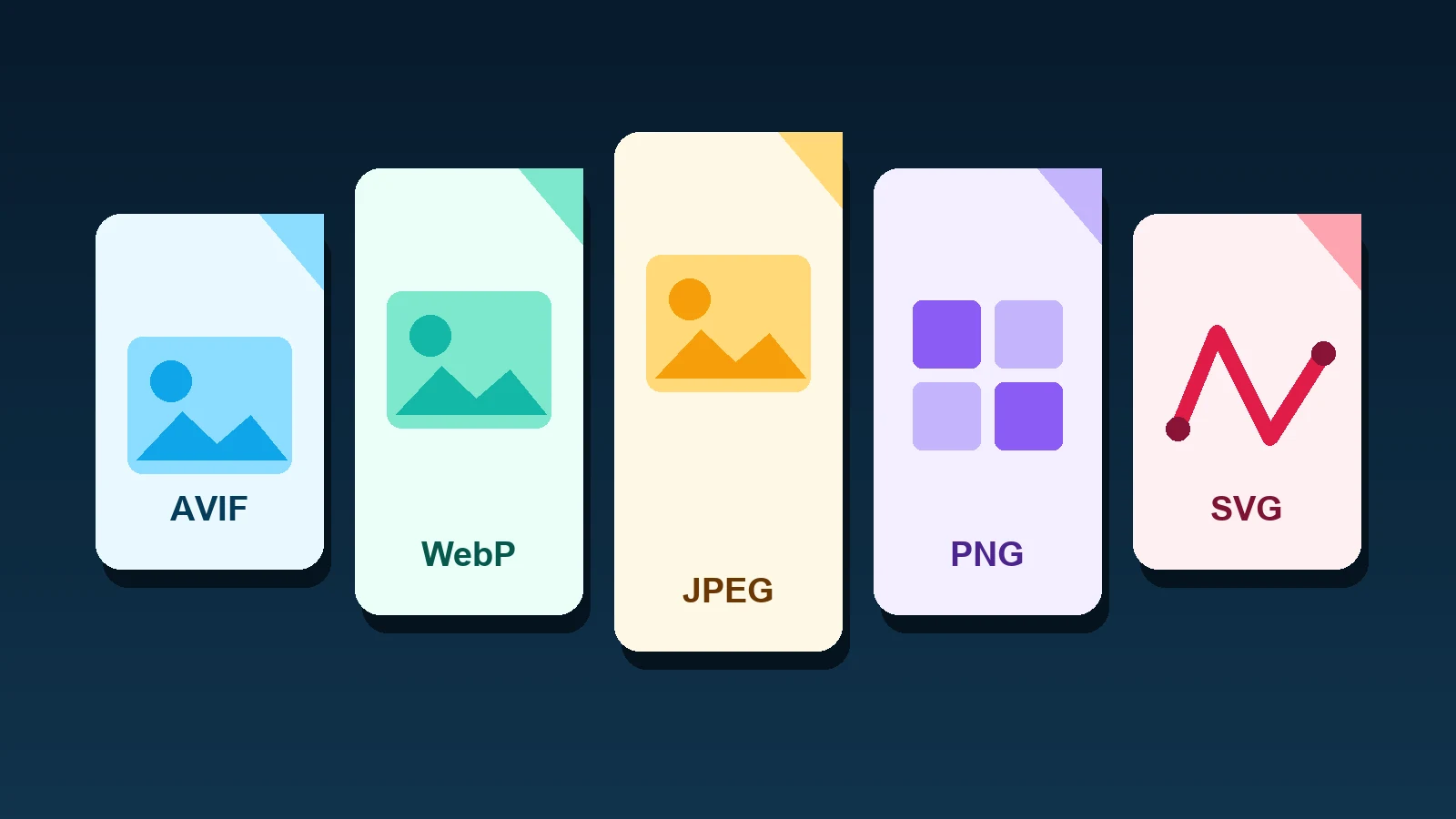
Different image formats serve distinct functional needs. The table below compares the five primary formats used on production websites today.
| Format | Type | Primary Use Case | Key Strength | Trade-off |
|---|---|---|---|---|
| AVIF | Raster | Photos, high-detail editorial hero images | Smallest file size at high visual fidelity | Higher CPU encoding cost during builds |
| WebP | Raster | General-purpose web delivery, thumbnails | Universal modern browser support, alpha channel | Lossy compression can soften micro-text |
| PNG | Raster | UI screenshots, diagrams with sharp text | Lossless compression and crisp hard edges | Substantially larger file sizes for photos |
| JPEG | Raster | Legacy compatibility fallback for photos | Universal compatibility across ancient clients | No transparency support, visible blocking |
| SVG | Vector | Logos, UI icons, simple spot illustrations | Infinite scalability, tiny file footprint | Unsafe with untrusted user-uploaded markup |
AVIF: modern photographic compression
AVIF provides exceptional photographic compression efficiency. Derived from the open AV1 video codec standard, AVIF regularly produces files twenty to thirty percent lighter than WebP. It handles ten-bit color depth cleanly. That extra color headroom eliminates visual banding in sky gradients. It also offers full alpha channel transparency for rich composite assets.
Encoding speed is AVIF's main drawback. Compressing files into AVIF takes more CPU time during builds. Build teams should make AVIF files ahead of time rather than encoding them on the fly.
WebP: the dependable web raster default
WebP is the dependable baseline for web publishing. Every modern web client decodes the format smoothly. It supports lossy photos, lossless graphics, and transparent backgrounds. It shrinks standard photographic file weights by twenty-five percent compared to older JPEG files while preserving crisp visual detail. Fast encoding times make it easy to automate inside continuous integration workflows.
Keep your original high-resolution master files safe. The Google format serves as a web delivery output, not an editable master. Never compress an existing lossy file again. Saving lossy files over and over creates ugly artifacts and ruins image quality.
PNG and JPEG: reliable fallbacks and screenshots
PNG and JPEG still serve essential functions. PNG uses lossless compression to preserve exact pixel data. It remains the superior choice for software user interface screenshots and technical diagrams. Lossy compression introduces fuzzy noise around small letters in user interface captures, whereas a lossless PNG keeps typography crystal sharp and legible.
JPEG provides wide compatibility across old devices. Standard JPEG does not support transparency and shows blocks when compressed hard. Yet nearly all old web browsers and email apps read JPEG files. A clean JPEG fallback stops broken image icons on older screens.
SVG: vector clarity and security boundaries
SVG delivers sharp clarity for logos and icons. Because SVG files are written in XML, they are plain text code rather than raw pixel data. You can style vector shapes with CSS and scale them without blur. One vector file cleanly takes the place of multiple pixel icons.
However, SVG files introduce clear security boundaries. An SVG document can contain executable script tags and external references. Accepting unvetted SVG uploads from website users can expose your domain to serious cross-site scripting vulnerabilities. Always sanitize user-submitted vectors thoroughly. Review our security guides on creating a Content Security Policy starting header and evaluating CSP nonce versus hash implementations to safeguard your origin.
Format delivery with the picture element
The picture tag lets you offer modern formats cleanly. The browser checks each source tag from top to bottom. It picks the first file type it knows and skips the rest. Here is how to set up clean fallback markup:
<picture>
  <source srcset="/images/hero.avif" type="image/avif">
  <source srcset="/images/hero.webp" type="image/webp">
  <img src="/images/hero.jpg"
       alt="Staff engineer reviewing web image performance metrics"
       width="1600"
       height="900"
       decoding="async">
</picture>
Set width and height numbers on your inner img tag. These dimensions allow browsers to allocate layout space before the image payload finishes downloading, eliminating disruptive layout shifts. For critical multi-page user journeys, study our implementation checklist on speculation rules prefetching to warm browser caches efficiently.
Alt text and accessible image delivery
Format choices must go hand in hand with web accessibility. Add clear alt text to tell readers what an image means. Do not stuff search words into image tags. If an image is just decoration, use an empty alt="" tag so screen readers skip it. This helps your team meet web accessibility standards under WCAG AA conformance commitments.
Frequently asked questions
Is WebP ever a vector file?
Is WebP ever a vector file? No. It is strictly a raster pixel format that cannot contain scalable vector math. Use SVG for resolution-independent shapes.
Why does my browser request AVIF and WebP automatically?
Why do browsers ask for AVIF and WebP automatically? Modern browsers send image types in their Accept request headers. Edge servers read these headers and deliver newer formats.
When is PNG still better than WebP or AVIF?
When is PNG preferable to modern formats? PNG is preferable for interface screenshots that have tiny text. Lossless compression keeps small letters clear.
Should I convert all SVG icons into WebP?
Should you convert SVG icons into WebP? Never convert vector icons into pixel files. Turning vector code into pixels destroys infinite scaling and usually increases overall file weight.
Sources and documentation
- MDN Web Docs: Image file type and format guide
- MDN Web Docs: The Picture element reference
- Google Developers: WebP image format specification
- W3C: Scalable Vector Graphics working group