- Declare https in upstream targets to enable secure backend handshakes.
- Trust private root certificates using tls_trusted_ca_certs.
- Avoid insecure skip flags to protect internal network communication.
Understanding Caddy reverse proxy to HTTPS architecture
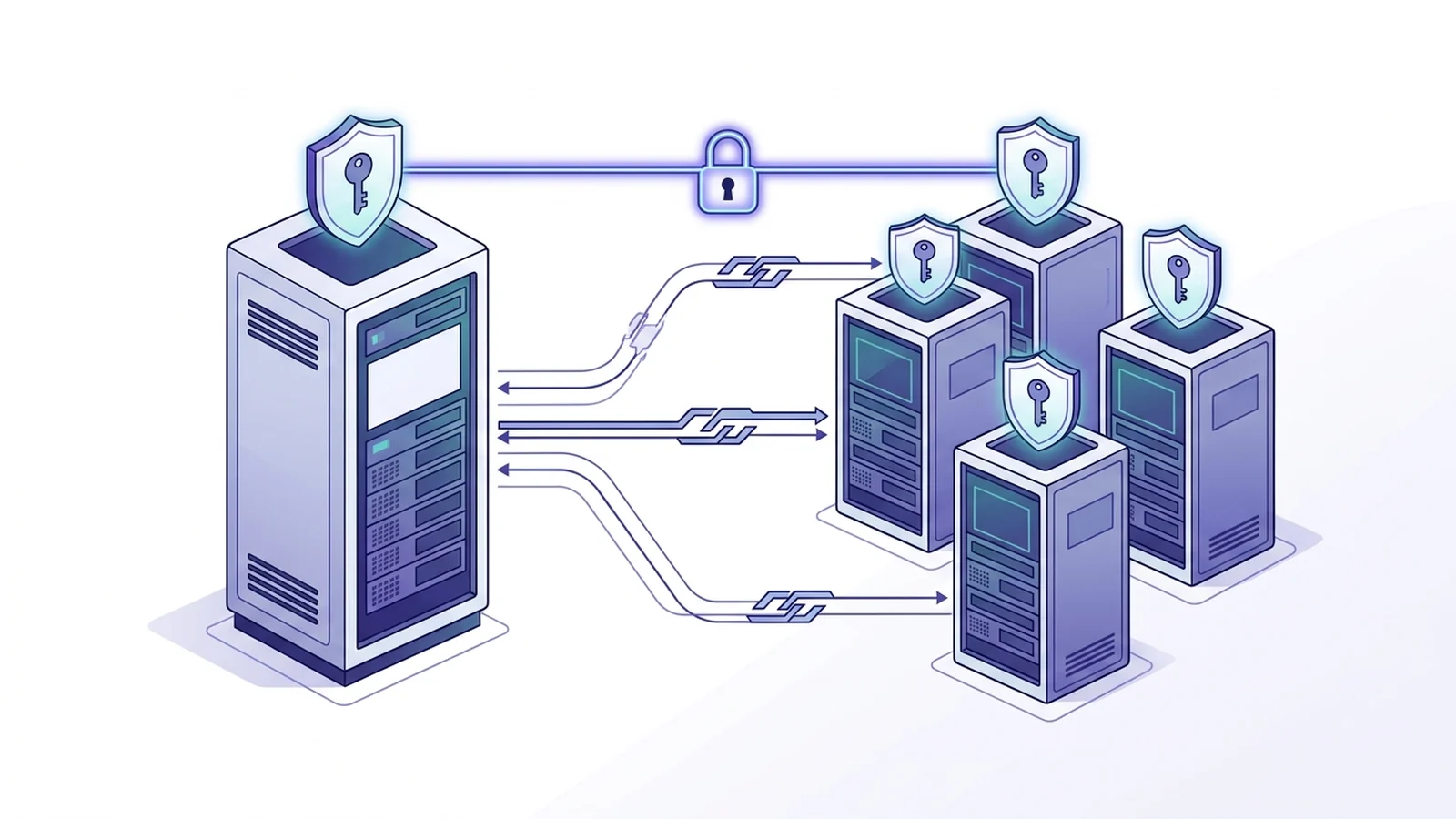
To configure a caddy reverse proxy to https upstream targets, write the https scheme in the destination address. By default, the server validates backend TLS certificates against the system root store and returns a 502 Bad Gateway if trust checks fail. Adding https instructs the gateway to negotiate a fresh TLS session before sending requests. This approach prevents unencrypted traffic across private subnets.
By default, the server assumes backends speak plain HTTP. Plain HTTP leaves backend traffic exposed. Adding https to the target changes how the gateway dials the host. The engine runs a full TLS check before sending web traffic to internal services.
Configuring HTTPS backends in the Caddyfile
Directing web traffic to a secure origin needs a clear scheme in the rule. Upstream addresses accept domain names or IP addresses paired with port numbers. Take a look at this block. The code snippet below routes traffic to a secure internal box.
api.example.com {
    reverse_proxy https://internal-service.local:8443 {
        transport http {
            tls
            tls_server_name internal-service.local
        }
    }
}
Inside the transport block, the tls rule tells the engine to use TLS. The directive configures transport security. Setting the server name helps the backend show the right cert. This setup works smoothly when backends hold valid public certs.
Managing TLS verification and internal CA trust
Many private apps rely on local root certs. The ingress checks all target certs against the system trust store. Untrusted authorities trigger immediate 502 Bad Gateway errors. You can fix this issue by loading your private root cert file.
portal.example.com {
    reverse_proxy https://10.0.1.50:443 {
        transport http {
            tls
            tls_trusted_ca_certs /etc/ssl/certs/internal-ca.pem
            tls_server_name backend.internal.corp
        }
    }
}
Passing your custom root file establishes a solid chain of trust. Root trust anchoring is reliable. The ingress checks cert dates, names, and signatures without dropping safety checks. The comparison table below highlights key configuration options for upstream transport blocks.
| Transport Directive | Default Value | Security Impact | Recommended Production Use |
|---|---|---|---|
| tls | Implicit for https | Enables encrypted transport | Optional with https scheme; required for custom options |
| tls_trusted_ca_certs | System trust store | Pins internal root authorities | Required for private PKI networks |
| tls_server_name | Upstream host string | Controls TLS SNI handshake name | Set when dialing raw IP addresses |
| tls_insecure_skip_verify | Disabled (false) | Disables cryptographic checks | Never enable in production workloads |
Handling SNI host headers and domain mismatches
When dialing an HTTPS target, the TLS handshake happens before HTTP headers travel. The handshake sets up encryption. The Server Name Indication signal tells the remote host which cert to send. If you dial an IP without an SNI override, the remote box cannot pick the right cert.
Setting the tls_server_name rule solves this issue quickly. Overriding SNI is effective. The edge ingress sends the expected host name during the early handshake. Once the TLS pipe opens, the gateway forwards web calls as usual. This design lets teams split IP routing from host name checks.
Avoiding insecure TLS skip pitfalls in production
During initial setup, engineers often see TLS errors. Help forums often suggest adding tls_insecure_skip_verify to quiet down errors. While this trick makes things connect, it throws out all cert checks. That shortcut is dangerous.
Turning off checks leaves local network traffic open to tampering. Bad actors on the same LAN can read or alter sensitive data. The real fix is quick and clean. Issue proper certs with valid names. Load the root cert directly into your ingress setup.
To understand foundational transport speeds across production edge nodes, review our comprehensive technical breakdown on TLS 1.3 vs TLS 1.2 handshake speed. For microservices, read our guide on mTLS vs TLS differences. Check Caddy reverse proxy WebSocket configuration. See our companion article on Caddy reverse proxy subpath routing. If you evaluate proxy engines, explore our benchmark on Caddy vs Nginx reverse proxy architecture.
Frequently Asked Questions
Why does Caddy throw a 502 Bad Gateway when proxying to an HTTPS backend?
The ingress checks upstream TLS certs. It drops calls when a cert is self-signed, expired, or missing from the root trust store.
Is it safe to use tls_insecure_skip_verify in production?
No. Turning off verification kills certificate checks. It leaves traffic open to network snooping. Always pass a real root CA cert instead.
How does the gateway handle SNI when routing to an HTTPS target?
The ingress takes the TLS server name from the upstream host. You can set it directly with the tls_server_name rule.