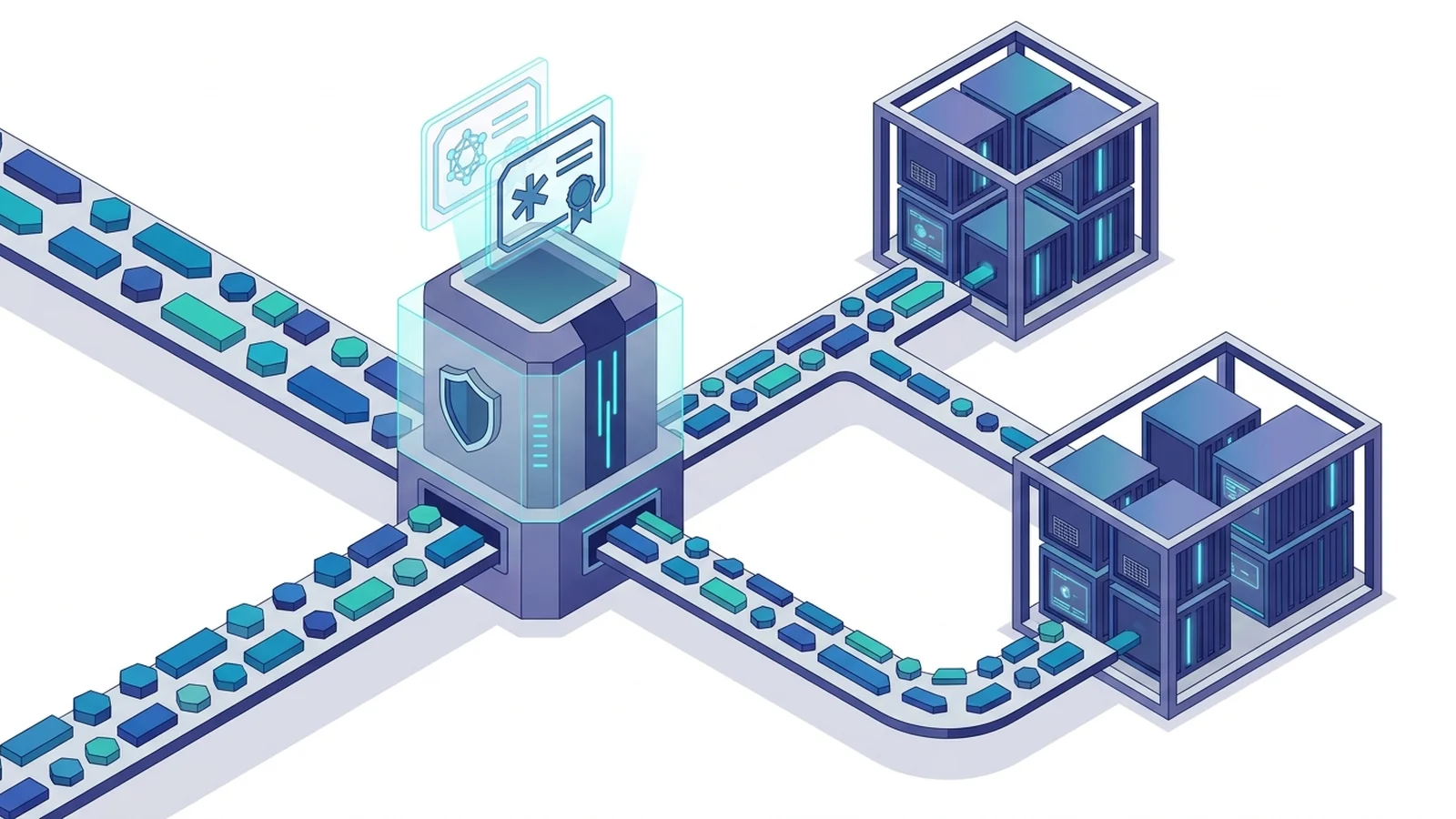
- Deploying a Caddy reverse proxy wildcard domain setup lets you protect dynamic host names under one certificate.
- Wildcard certs require DNS-01 tests.
- Host matchers and handle blocks route web traffic to backend nodes without port clashes.
Why wildcard certificates require the DNS-01 ACME challenge
Setting up a wildcard proxy secures dynamic subdomains easily. One certificate protects your apex domain and subdomains. Rapidly spinning up fresh apps or test pods becomes simple. You avoid hitting CA rate limits.
Public certificate authorities have clear rules for wildcard domains. Normal single-name certificates validate through simple web checks. The verification engine fetches a token over port 80. Alternatively, it completes an ALPN handshake over port 443.
Wildcards cannot use web path checks. An authority cannot probe every possible name on a server. Instead, the authority checks DNS zone control. You must post a TXT record under the challenge path. This test is called the DNS-01 challenge.
Building Caddy with custom DNS provider modules
The standard server binary supports port 80 and port 443 checks out of the box. It does not carry third-party DNS provider plugins. Many distinct DNS APIs exist across cloud platforms today. You build the server with a custom plugin to create TXT records automatically.
The build tool is xcaddy. Run xcaddy on your host to compile the DNS plugin into the binary.
Run this command for Cloudflare DNS:
# Install xcaddy build utility
go install github.com/caddyserver/xcaddy/cmd/xcaddy@latest

# Compile custom binary with Cloudflare DNS plugin
xcaddy build --with github.com/caddy-dns/cloudflare
For container fleets, write a small multi-stage Dockerfile. It keeps your final image slim.
FROM caddy:2-builder AS builder
RUN xcaddy build \
    --with github.com/caddy-dns/cloudflare

FROM caddy:2-alpine
COPY --from=builder /usr/bin/caddy /usr/bin/caddy
Caddyfile structure for wildcard certificates and host routing
After building the binary, write the main site block in your configuration file. Store your DNS provider secrets in environment variables. Avoid putting raw API keys into code files.
Inside the wildcard block, match incoming hosts with named matchers. Pair each matcher with a handle block. The proxy reads the Host header and sends requests to internal containers. As noted in our review of Caddy vs Nginx reverse proxy architecture, clear matchers stop configuration errors.
# Global configuration snippet
{
    email admin@example.com
}

# Wildcard site block for apex and all first-level subdomains
*.example.com, example.com {
    tls {
        dns cloudflare {env.CLOUDFLARE_API_TOKEN}
    }

    # Route app service traffic
    @app host app.example.com
    handle @app {
        reverse_proxy app-service:3000
    }

    # Route API service traffic
    @api host api.example.com
    handle @api {
        reverse_proxy api-service:8080
    }

    # Fallback handler for apex or undefined subdomains
    handle {
        respond "Service Unavailable" 503
    }
}
Comparing Caddy wildcard routing and standard subpath proxies
Teams often choose between subdomains and subpaths. Subdomain routing gives strong origin boundaries. Each app keeps its own cookies. Subpaths share one origin. They also need path rewrites, as explained in our guide on subpath routing.
This table compares key properties of both routing styles.
| Property | Wildcard subdomain routing | Subpath routing |
|---|---|---|
| TLS Certificate Type | Single wildcard (*.example.com) | Standard single domain |
| Validation Challenge | Strictly ACME DNS-01 challenge | Standard HTTP-01 or TLS-ALPN-01 |
| Origin Security Boundary | Isolated origins across subdomains | Shared origin and common cookies |
| Routing Directives | Named matchers (@app host ...) | handle_path with prefix stripping |
| Asset Path Issues | None; apps use root paths | Requires base href or link rewrites |
| DNS Automation Needed | Requires DNS registrar API token | Only standard A/AAAA records |
Production Docker Compose deployment with Cloudflare DNS
In container clusters, run the edge proxy next to your internal apps. Join every service to one internal bridge network. This network layout lets the proxy resolve backend names using Docker DNS immediately.
Here is a working docker-compose.yml file for a wildcard proxy setup.
services:
  caddy:
    build:
      context: .
      dockerfile: Dockerfile
    restart: unless-stopped
    ports:
      - "80:80"
      - "443:443"
      - "443:443/udp" # HTTP/3 QUIC support
    environment:
      - CLOUDFLARE_API_TOKEN=${CLOUDFLARE_API_TOKEN}
    volumes:
      - ./Caddyfile:/etc/caddy/Caddyfile:ro
      - caddy_data:/data
      - caddy_config:/config
    networks:
      - web-tier

  app-service:
    image: node:20-alpine
    restart: unless-stopped
    command: node server.js
    networks:
      - web-tier

  api-service:
    image: golang:1.22-alpine
    restart: unless-stopped
    command: ./api
    networks:
      - web-tier

networks:
  web-tier:
    name: web-tier

volumes:
  caddy_data:
  caddy_config:
The proxy maintains established connections cleanly across microservices. Read our guide on mTLS vs TLS difference for more on encryption handshakes. Store cert data on a persistent volume so the proxy avoids extra renewals.
Troubleshooting wildcard TLS and common DNS pitfalls
Wildcard setups can fail if DNS keys or zone names are wrong. Review these points to keep renewals working.
1. Single DNS label limit: Under RFC 6125, an asterisk covers one domain segment. A certificate for *.example.com validates app.example.com. It never covers staging.app.example.com. For deeper levels, issue a certificate for that exact branch.
2. Cloudflare API token scopes: When creating your API key, ensure the token can edit zone DNS records. Keep scope limited to your target zone. Never use root master credentials.
Public authorities verify records on external name servers. Internal networks with split-horizon DNS may block outside lookups. If that happens, configure public resolvers directly.
*.example.com {
    tls {
        dns cloudflare {env.CLOUDFLARE_API_TOKEN}
        resolvers 1.1.1.1 8.8.8.8
    }
}
Frequently asked questions about Caddy wildcard proxies
Why do wildcard certificates require the DNS-01 challenge?
Certificate authorities cannot verify unmapped subdomains using web file paths. They strictly need verification proof established directly within DNS records.
Does the base server binary include DNS provider plugins?
Standard official builds include HTTP-01 and TLS-ALPN-01 validators only. Third-party DNS plugins must be compiled using xcaddy.
Does a wildcard certificate cover nested subdomains?
No. Under RFC 6125 standards, a wildcard covers one domain tag only. It will not secure deeper host levels.