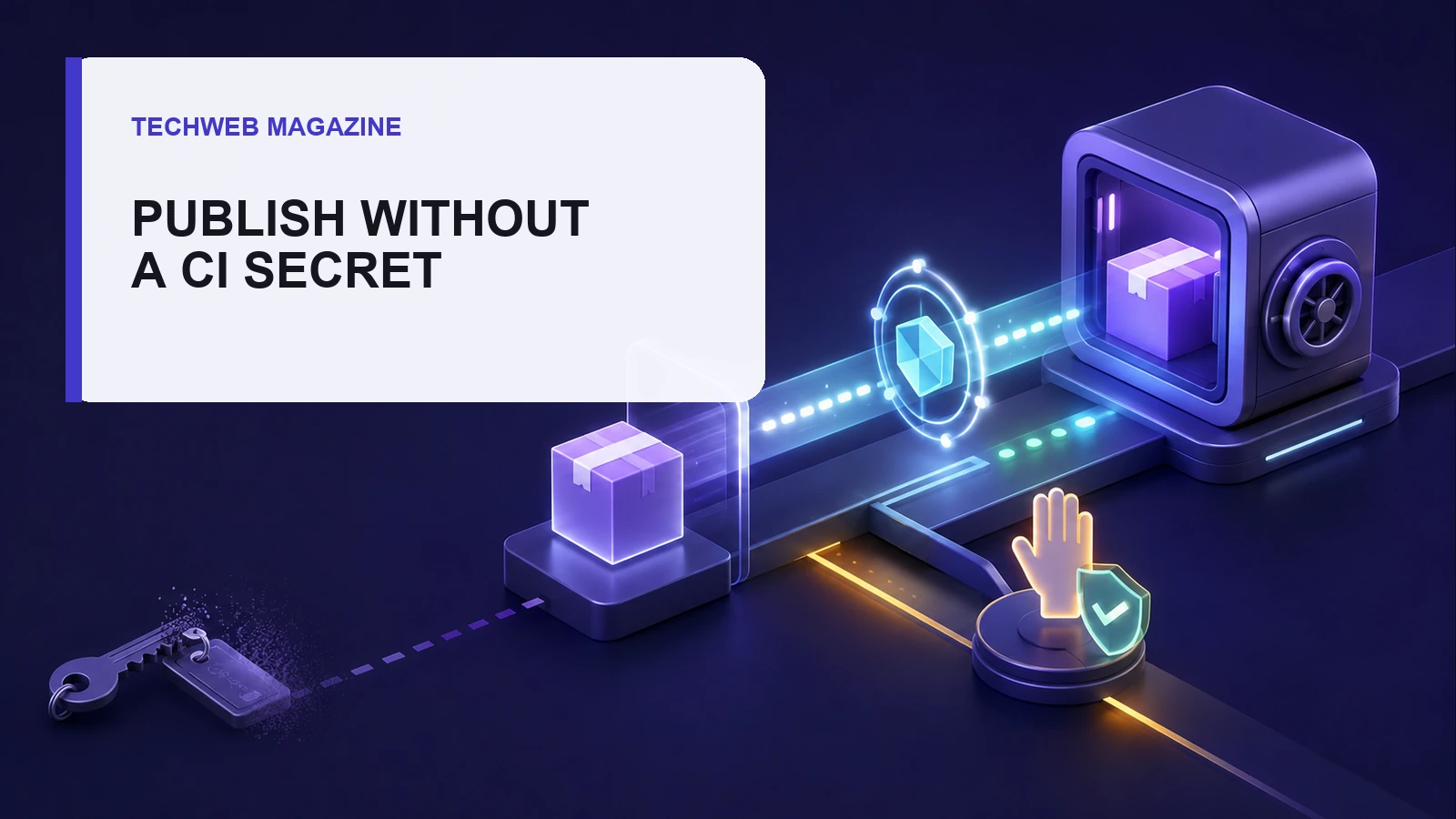
- Use OIDC instead of a long-lived publish token.
- Bind trust to the exact repository and workflow, then protect the release trigger and optional GitHub environment.
- For a higher-risk package, allow staging only and require a maintainer to approve the staged version with 2FA.
A publish token can linger for years. It still works after maintainers change, workflows multiply and nobody remembers who created it.
npm trusted publishing removes that stored write credential from supported release jobs. The registry checks a short-lived OpenID Connect identity from the CI provider. That identity must match the package's trust rule.
That is a strong improvement, but it does not make the workflow safe by itself. The repository, workflow file and release controls now become the route to npm.
Check the current support boundary first
Check the tools first. npm’s current documentation requires npm CLI 11.5.1 or later. Node.js must be 22.14.0 or later. Supported paths include GitHub-hosted Actions runners, GitLab.com shared runners and CircleCI cloud.
Self-hosted runners are not supported today. Do not copy an OIDC example into one and assume the fallback is harmless. The npm CLI may fall back to traditional token authentication when a trusted environment is not available.
Trusted publishing covers npm publish and npm stage publish. Other commands still need their normal authentication. Private dependency installs may still require a read-only token.
Bind npm to one release path
In the package settings, select the CI provider and enter the exact owner, repository and workflow identity. For GitHub Actions, the workflow field is the filename inside .github/workflows, not a full path.
Add a protected environment when needed. GitHub environments can limit branches and require a reviewer before the job starts. Availability of reviewer rules depends on the repository visibility and plan, so verify the account’s current options.
Keep the job permission small. It needs id-token: write to request the OIDC token and usually contents: read to check out the source. Add another permission only when a named step needs it.
| Control | What it limits | What it does not prove |
|---|---|---|
| Trusted publisher | Which CI identity may publish | That workflow code is benign |
| Protected trigger | Who can start a release path | That the package contents were reviewed |
| Staged publishing | Whether CI can publish directly | That a maintainer inspected every file |
| Provenance | Where a supported public build came from | That the source or dependency is safe |
Choose direct or staged publishing
Direct trusted publishing is useful when the release path is already protected and the team accepts automatic publication. The CI job runs tests and then calls npm publish.
Staged publishing adds proof of presence. The job calls npm stage publish, which does not need a 2FA prompt. A maintainer then reviews the staged package and approves it with 2FA before it becomes public.
Staging has a newer tool floor. It needs npm CLI 11.15.0 or later and Node.js 22.14.0 or later. The package must already exist, and the maintainer’s npm account needs 2FA. A brand-new package cannot use the staged path for its first publication.
For a widely used or sensitive package, configure the trusted publisher to allow stage-only access. This means a compromised release job can submit a candidate, but it cannot make that version public without the later approval.
Use a narrow GitHub Actions job
permissions:
  id-token: write
  contents: read

jobs:
  publish:
    runs-on: ubuntu-latest
    environment: npm-release
    steps:
      - uses: actions/checkout@v6
      - uses: actions/setup-node@v6
        with:
          node-version: '24'
          registry-url: 'https://registry.npmjs.org'
          package-manager-cache: false
      - run: npm ci
      - run: npm test
      - run: npm stage publish
Treat this as a pattern, not a drop-in workflow. Pin or govern actions according to your policy. Define the tag or manual trigger, build step, package directory and release tests for the project.
Do not publish from untrusted pull-request code. Review any workflow change as a publishing permission change. The secrets guide still matters for private dependency tokens and unrelated credentials.
Understand what provenance says
npm can add provenance automatically for trusted publishes from GitHub Actions or GitLab CI/CD. Both the repository and package must be public. CircleCI trusted publishing does not currently get that automatic provenance.
Provenance links a package to a build and source location. It is not a malware verdict. Consumers should still inspect maintainers, release history and package contents. The SBOM review workflow and vendor evidence checklist cover two parts of that decision.
Migrate without locking out releases
- Inventory the old path. Record the package, token, CI job, owners and private install needs.
- Add the trusted publisher. Match the exact CI identity and use a protected release trigger.
- Run one controlled release. Use a harmless planned version and confirm the registry shows the expected source and result.
- Tighten package access. After success, require 2FA and disallow traditional publish tokens.
- Revoke the old write token. Keep only a read-only token when private installs truly need it.
These are migration steps, not a claim that TechWeb tested your package. Keep an emergency maintainer path, and test it with the emergency access drill.
Frequently asked questions
Does trusted publishing remove every npm token?
No. It removes the long-lived token from supported publish jobs. Private dependency installs and other npm commands may still need scoped authentication.
Will npm whoami confirm OIDC is working?
No. npm says OIDC authentication happens during publish or stage publish, so npm whoami does not reflect that status.
Does provenance prove a package is safe?
No. It can link a supported public package to its build source. It does not prove that the source, workflow or dependencies are free of harmful code.
Can a new package use staged publishing for version 1.0.0?
No. npm requires the package to exist already before a version can be staged.
Sources
npm Docs: Trusted publishing · npm Docs: Staged publishing · GitHub Docs: OpenID Connect · GitHub Docs: Environments and protection rules · OpenSSF: Trusted Publishers specification. Version and provider support can change; check the live npm documentation before migration.
More in this sectionTechnology →