- Emergency access is often called break-glass access. It is a separate route into a key system when normal admin sign-in is down.
- The route must avoid the same sign-in service and device rule. Its approval flow or recovery inbox must work during the incident too.
- Run a controlled 30-minute drill. Prove sign-in, the minimum recovery action, outside alerts, clear custody and a safe reset after use.
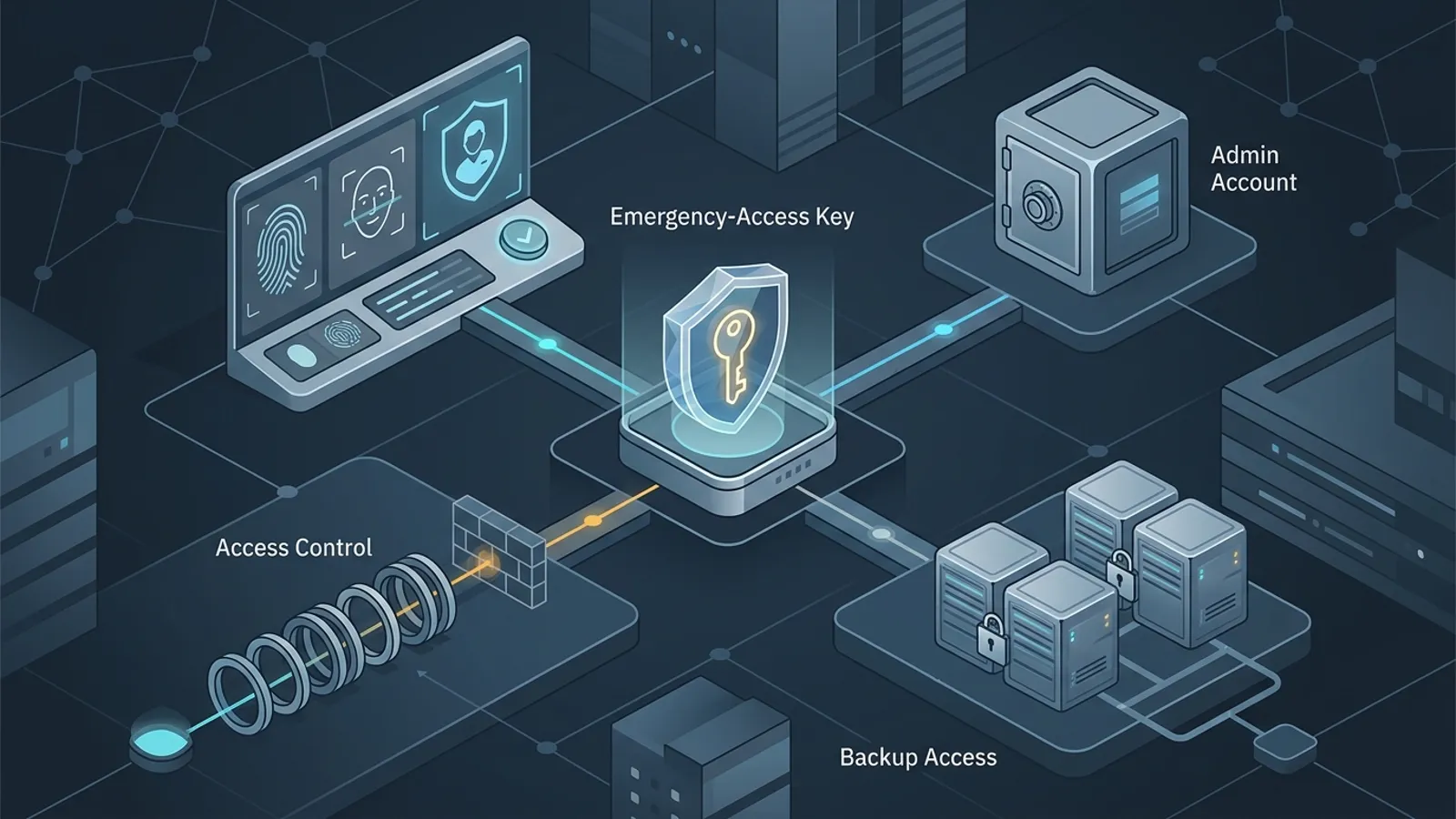
Your cloud sign-in fails during an incident. The normal administrator is locked out. The recovery email sits behind the same failed login. Then the team finds an emergency account that nobody has tested for a year.
This is not a rare edge in the design. Single sign-on, or SSO, lets one identity service open many work tools. That makes daily access easier to control. It also means one broken policy, device rule or identity outage can block several admin doors at once.
Emergency access is the planned route back in. It is often called break-glass access, like a key held behind glass for a fire. The account is powerful, so creating it is only half the job. You also need proof that it works without becoming a quiet back door.
Why emergency access needs a fresh look
Current US and UK guidance treats emergency access as part of cloud resilience. CISA's cloud use-case guidance asks agencies to consider protected break-glass accounts. It also calls for checks between people and strong logs of admin work. The NCSC says emergency access should work when normal IT is unavailable and should trigger prompt alarms.
Vendor advice is moving too. Microsoft's updated Entra guidance recommends at least two cloud-only emergency accounts. Their sign-in method should differ from normal admin access. The keys need safe storage and regular checks. It gives a quarterly sign-in test as an example.
These details matter beyond Microsoft. A password vault, code host and domain registrar may all depend on SSO. The same may be true for a payment platform or cloud console. Each may also need a managed device and approval tool. If the same failure blocks the emergency route, the extra account adds little resilience.
Choose the systems that need a second door
Do not add a powerful exception to every app. Start with systems that can restore control, protect customers or keep the business online.
Good choices include the main identity service, domain and DNS control, and cloud hosting. The admin password vault and security alert system may also need a second door. A payment or customer platform may also qualify if a lockout would stop urgent safety or fraud work.
Write down the harm first. Ask what the team must do if normal admin access is gone. The answer may be narrow. Reverse a bad sign-in policy. Create a new safe admin, stop a harmful token or contact the provider through a checked recovery route.
Some services do not offer a separate account. Record the vendor recovery process instead. Keep the contract number, support route and proof the provider may request. Our software vendor evidence guide includes related buying questions.
Map every hidden dependency
A working username and key do not prove a working recovery path. Draw the steps from the first alert to the final safe admin action.
| Part | Question to test |
|---|---|
| Identity | Does the account depend on the SSO or directory that may be down? |
| Authentication | Will the key, certificate or recovery code work without one person's phone? |
| Device and network | Can an approved clean device reach the admin page if normal device checks fail? |
| Credentials | Can two approved people find the right item without exposing it during daily work? |
| Alert | Will a sign-in warning reach a monitored place outside the failed system? |
| Authority | Who can approve use, and what is the smallest recovery action allowed? |
Look for circles. A security key locked in an office is not useful if the only key holder cannot reach the building. An alert sent only to the broken email service cannot warn the team. A recovery document inside the locked password vault is not a recovery document.
Independence does not mean weak protection. It means the route does not share every point of failure with normal access. Follow the provider's current design guide. Use strong sign-in checks. Limit who can retrieve the keys.
Prepare the drill without touching production
Schedule a quiet window. Tell the security or operations contact. Use a test plan. Name an owner, an observer and a stop rule. The drill should not disable normal sign-in, change a live policy or take over a real user.
Choose one low-impact proof action. You might open the admin centre and view a harmless setting. If the provider allows it, create and remove a clearly named test item. Do not use the emergency account for routine maintenance.
Open the instructions from the place that should work during an outage. Retrieve the credential through the real custody process. Use a clean admin session. Our guide to a separate browser profile for admin work explains one practical layer, but a high-impact system may need a dedicated device.
Run the 30-minute emergency access drill
| Time | Action | Evidence |
|---|---|---|
| 0–5 min | Confirm scope, owner, approver, observer and stop rule. | Test ticket and named people. |
| 5–10 min | Retrieve the instructions and credential through the planned route. | Retrieval time and any missing step. |
| 10–18 min | Sign in and complete only the low-impact proof action. | Time, account and action result. |
| 18–23 min | Check that sign-in and admin-use alerts reach the outside contact. | Alert channel, arrival time and reviewer. |
| 23–30 min | Sign out, remove test items, return credentials and record fixes. | Clean-up, issues, owners and due dates. |
Stop if the plan asks for a broad policy change, the account shows unexpected use, an alert fails in an unsafe way or the team cannot confirm the test target. A failed drill is useful evidence. Do not push through to earn a pass.
Record the full time, not just the sign-in time. In a real event, finding the instructions, gaining approval and reaching the right screen can take longer than entering the credential.
Make the alert survive the same incident
NCSC guidance puts special weight on alarms because emergency access may need exceptions from normal controls. Any use should be unusual and reviewed at once.
Send the warning to more than one approved person. When you can, use a channel outside the main identity system. Test a successful sign-in. Also test the provider's warning for failed attempts. Do not include a secret in the alert.
Logs should show who used the account, when, from where and what changed. Protect those records from the emergency account when the platform allows it. CISA guidance notes that teams should consider whether an admin could disable alerts or logs.
Close the route safely after the test
Sign out and end active sessions. Remove the test object. Return hardware keys or codes to their approved locations. If the drill exposed a password or recovery code beyond its normal custody, rotate it according to the provider's steps.
Check the audit trail with a normal review account. Write down what worked, what failed and who owns each fix. Do not put sensitive credentials in the ticket.
Emergency access belongs in the wider recovery plan. Link the drill to the backup restore test and the recurring SaaS access review. One proves access. The others prove data recovery and ongoing ownership.
Retest when a dependency changes
Set a regular test plan. Base it on the system's impact. Retest after a new sign-in service or access policy. Do the same after a new admin device, key, owner, vault, alert channel or provider recovery process.
Keep the test narrow. You are proving that the emergency path works and is watched, not simulating every part of a major incident.
The safest emergency account is not the one with the longest checklist. It is the one your team can find, approve, use, detect and secure again when the normal door is closed.
Sources and further reading
- CISA: Trusted Internet Connections 3.0 Cloud Use Case
- UK NCSC: Protecting how you administer cloud services
- UK NCSC: Protecting your admin accounts
- Microsoft Learn: Manage emergency access admin accounts
- NIST: Privileged Account Management
Frequently asked questions
What is a break-glass admin account?
It is an emergency-only administrator account or access method used when the normal admin route is unavailable. It should be tightly protected, monitored and kept separate from daily work.
How often should emergency admin access be tested?
Test on a regular schedule set by risk, and after changes to identity, access policies, devices, keys, owners or alerting. Microsoft gives quarterly testing as one example for Entra emergency accounts.
Should emergency access bypass every security control?
No. It may need carefully chosen exceptions so it still works during an outage, but it also needs strong independent authentication, limited custody, immediate alerts and a documented review after use.