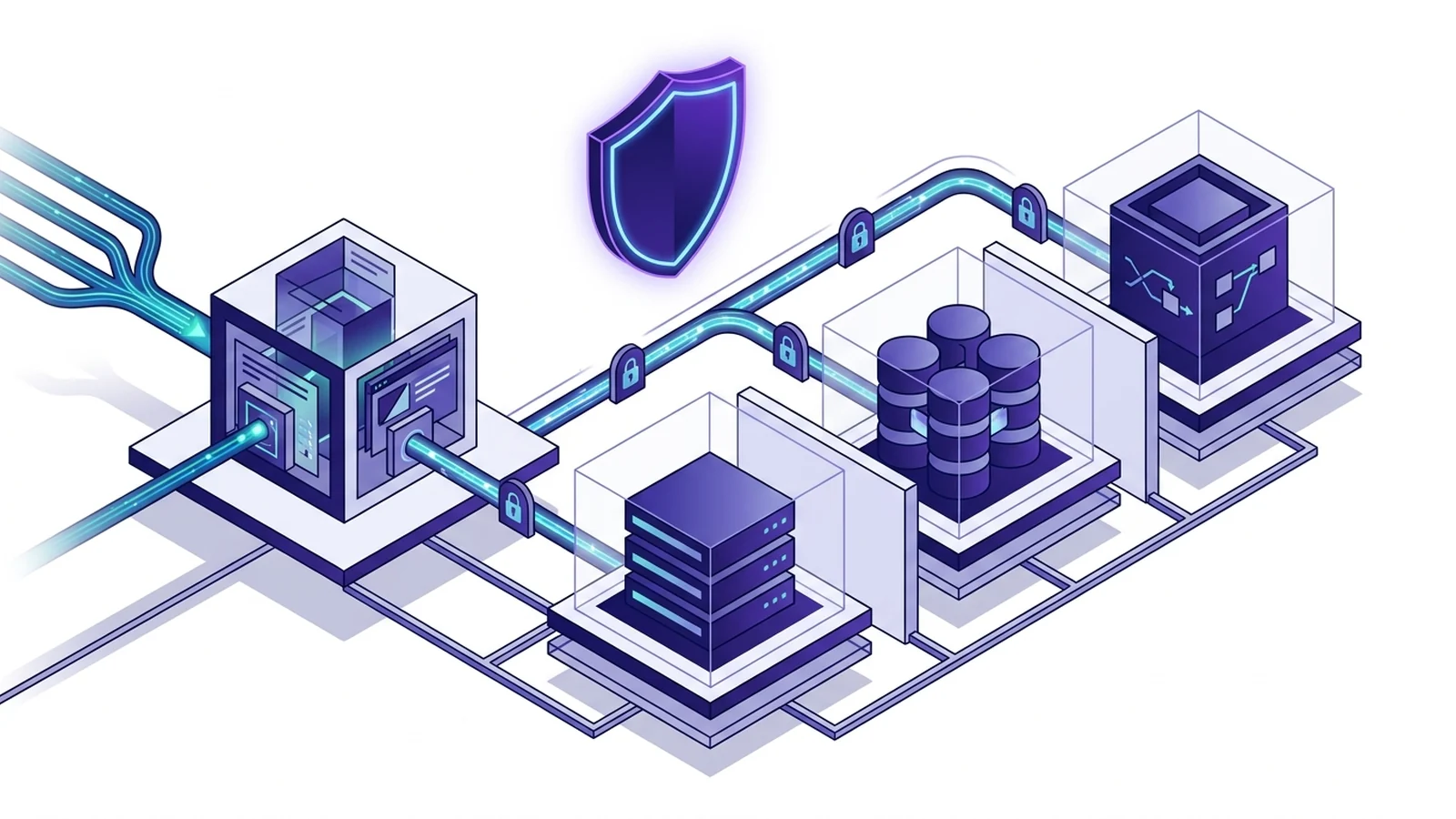
- A Caddy reverse proxy Docker Compose stack brings fast HTTPS to containers without certbot.
- Persistent volumes protect certificates.
- They prevent Let's Encrypt rate limits.
- Mounting the config directory prevents broken reloads caused by editor inode changes.
How Caddy reverse proxy works in Docker Compose
Running a Caddy reverse proxy Docker Compose stack gives apps automatic HTTPS. The setup runs without cron jobs or certbot scripts. It works cleanly. Systems engineers use this stack to route edge traffic.
You can build a safe Compose file in minutes. This guide covers volume rules, network setups, and zero-downtime reloads. Modern microservices need strong encryption. They also keep database ports private.
The proxy server runs as a fast edge router. It resolves container names through internal Docker DNS. You save setup time and avoid cert expiry errors.
Production Docker Compose stack architecture
The edge service acts as the single public entry point on host ports 80 and 443. Downstream apps run on private bridge networks with no host port bindings. This layout stops leaks. Outside traffic cannot bypass proxy rules or security headers.
Below is a working Compose file. Top-level version keys are omitted. Compose rules drop them now. We include the NET_ADMIN capability so Go can optimize UDP socket buffers for fast HTTP/3 links.
services:
  caddy:
    image: caddy:2-alpine
    container_name: caddy-ingress
    restart: unless-stopped
    cap_add:
      - NET_ADMIN
    ports:
      - "80:80"
      - "443:443"
      - "443:443/udp"
    volumes:
      - ./caddy:/etc/caddy
      - caddy_data:/data
      - caddy_config:/config
    networks:
      - edge-network

  api:
    image: traefik/whoami:latest
    container_name: api-service
    restart: unless-stopped
    networks:
      - edge-network

volumes:
  caddy_data:
    name: caddy_data
  caddy_config:
    name: caddy_config

networks:
  edge-network:
    name: edge-network
    driver: bridge
Review our analysis on caddy vs nginx reverse proxy to compare memory use across edge web servers.
Persistent volume rules and rate limits
Treating container storage as scratch space causes severe data loss. It is a very common Docker mistake. Caddy stores certificates and keys in the /data path. The official documentation warns that /data is not an ephemeral cache.
If you skip binding /data to a named volume, restarting your container drops all active certs. That wipes your keys. Then the new container asks Let's Encrypt for fresh certs on every host.
Repeating this loop will trigger the limit of 5 duplicate certs per week. The /config volume stores runtime state. It must stay persistent across restarts.
Directory bind mounts versus file mounts
Many guides mount a single file using syntax like ./Caddyfile:/etc/caddy/Caddyfile. In live setups, this single-file mount causes reload bugs due to file inode swaps.
Text editors write to a temp file first. They move that temp file over the old path. This atomic step creates a new inode on the host machine.
Docker file mounts stay pinned to the old inode from boot time. Stale data stays in the container. Edits do not take effect.
Mount the parent host directory into the container to avoid this bug. When Caddy reads /etc/caddy/Caddyfile inside a folder mount, it looks up the file through the directory table. It picks up edits right away.
Production Caddyfile reverse proxy rules
A solid Caddyfile defines global options, shared security headers, and upstream routes. Snippets save time. Using snippet blocks lets you apply clear rules to microservices without repeating lines.
{
    email ops@techwebmagazine.com
    admin localhost:2019
}

(security-headers) {
    header {
        Strict-Transport-Security "max-age=31536000; includeSubDomains; preload"
        X-Content-Type-Options "nosniff"
        X-Frame-Options "SAMEORIGIN"
        Referrer-Policy "strict-origin-when-cross-origin"
        Permissions-Policy "camera=(), microphone=(), geolocation=()"
        -Server
    }
}

api.techwebmagazine.com {
    import security-headers
    encode zstd gzip

    reverse_proxy api-service:80 {
        header_up X-Real-IP {remote_host}
    }
}
The proxy supplies standard headers like Host, X-Forwarded-For, and X-Forwarded-Proto on its own. It handles them automatically. You can review our guide on hsts vs https redirect to evaluate browser transport rules. Read our analysis on tls 1.3 vs tls 1.2 for deeper transport tuning.
Multi-project Docker network setups
Your reverse proxy often runs in its own Compose project. Backend APIs and databases live in separate stacks. Containers in different projects cannot resolve peer names over Docker DNS without a shared bridge network.
Create a shared external bridge network on the host using standard CLI commands to link separate stacks safely.
docker network create edge-shared-bridgeNext, configure both Compose files to connect to this shared bridge as an external resource. This setup keeps projects tidy. The proxy routes traffic using container names.
| Network Parameter | Default Compose Network | Shared External Bridge |
|---|---|---|
| Lifecycle Scope | Tied to a single compose.yaml project | Independent host resource across multiple stacks |
| Cross-Stack Resolution | Isolated; containers cannot resolve peers | Full DNS name resolution across separate stacks |
| Port Exposure | Requires host port mapping for external access | Internal container-to-container communication only |
| Teardown Risk | Destroyed on docker compose down | Persists safely when individual stacks restart |
In your separate app stack, declare the external bridge inside its Compose file.
services:
  app-backend:
    image: mycompany/webapp:1.4
    container_name: production-backend
    restart: unless-stopped
    networks:
      - edge-shared-bridge

networks:
  edge-shared-bridge:
    external: true
Now the proxy forwards incoming client requests to production-backend:3000 without exposing port 3000 to the public web.
Zero-downtime configuration reloads and checks
Restarting a reverse proxy container drops active connections. It creates brief downtime. The server provides an administrative API to solve this issue. It supports atomic configuration reloads without process restarts.
Before applying a modified file, validate the syntax inside the container. This check catches formatting errors early.
docker compose exec -w /etc/caddy caddy caddy validateIf validation succeeds, execute an atomic configuration reload. The proxy handles this step smoothly.
docker compose exec -w /etc/caddy caddy caddy reloadDuring an atomic reload, the proxy starts the new listener side-by-side with the old one. If the new config fails to bind, the server rolls back cleanly. It does this without dropping an active client link. Old requests finish safely on the old worker. Meanwhile, new requests use updated routing rules.
You can send a POSIX signal to the container process for automated pipelines. This signal triggers a configuration reload.
docker compose kill -s SIGUSR1 caddyQuery the internal administrative endpoint to inspect active upstreams dynamically. Use the container built-in client for this lookup.
docker compose exec caddy wget -qO- http://localhost:2019/reverse_proxy/upstreamsRead our breakdown of http3 vs http2 to understand QUIC transport performance over UDP sockets for broader protocol comparisons.
Troubleshooting common Docker proxy bugs
Issues usually stem from DNS isolation, firewall rules, or certificate handshakes when debugging edge container deployments. Review this checklist to identify root causes quickly.
- DNS Lookup Failure: If logs show a DNS lookup failure, the proxy and backend service do not share a common Docker network. Verify that both containers attach to the same bridge.
- ACME Challenge Timeout: If certificate generation times out, verify that public DNS points to your host IP. Make sure host ports 80 and 443 stay open in your firewall.
- Upstream Connection Refused: When logs show connection refused errors, the app is down or binds to container loopback 127.0.0.1 instead of 0.0.0.0.
- Let's Encrypt Staging Validation: Avoid rate limits during tests. Set the staging directory URL in the global options block.
Frequently asked questions
Why must the Caddy data volume be persistent in Docker?
The proxy stores web certificates in /data. If you wipe the folder, Caddy requests new certificates on every boot. This mistake burns your Let's Encrypt rate limit.
Why should you mount the config folder instead of one file?
Text editors make a new inode when saving a file. Mounting one file keeps Docker locked to the old inode. Mounting the parent folder fixes this bug.
How do you reload Caddy in Docker without downtime?
Run docker compose exec caddy reload inside the container. You can also send a SIGUSR1 kill signal to the process.