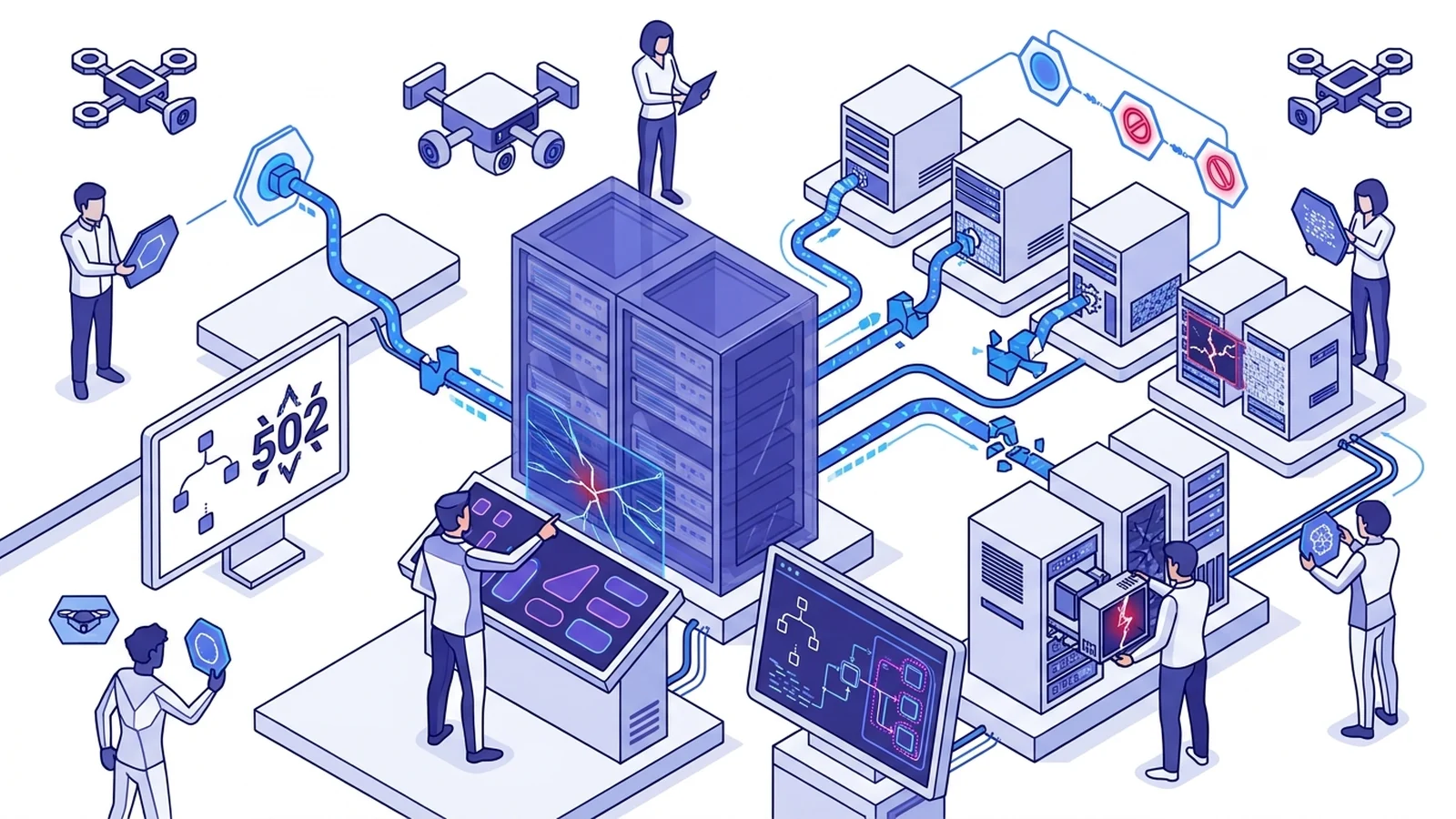
- A Caddy reverse proxy bad gateway error means the proxy cannot reach the upstream service.
- Container network isolation causes most 502 errors when routing to loopback addresses.
- Apps bound only to 127.0.0.1 reject requests from outside the host.
- Custom handle_errors rules prevent raw error pages from showing to web users.
Why Caddy returns a 502 Bad Gateway response
A caddy reverse proxy bad gateway error occurs when the edge proxy accepts a client request but cannot establish a working network connection to the upstream target application. It sits in the middle. If a network dial to your target port fails, the proxy returns HTTP status 502. Web engineers face this during new rollouts and container migrations.
Uncaught application exceptions return status 500 only if the upstream process remains running; if the backend process crashes completely or drops its listening socket, Caddy cannot connect and emits a 502 Bad Gateway error. The upstream service may be offline. It might drop the socket. Sometimes it times out or fails TLS checks. Pinpointing the root issue requires checking network hops, IP bindings, and server logs.
Diagnostic flow and error signatures
Inspect runtime logs first to diagnose the problem quickly. The proxy logs dropped links as error events. Turning on global debug mode in your Caddyfile prints full connection traces. You can view the remote target IP, port, and exact system error code.
{
    debug
}

app.example.com {
    reverse_proxy backend:8080
}| Log Error Signature | Network Failure Cause | Immediate Diagnostic Fix |
|---|---|---|
| dial tcp: connect: connection refused | Backend service is down or bound only to loopback interface | Verify process status; change bind host to 0.0.0.0 |
| dial tcp: lookup host on DNS: no such host | Docker DNS cannot resolve the upstream container name | Attach proxy and backend to the same bridge network |
| tls: failed to verify certificate: x509 | Upstream presents untrusted or self-signed TLS certificate | Configure upstream CA pool or transport TLS policies |
| context deadline exceeded (Client.Timeout) | Backend application hangs or firewall drops TCP SYN packets | Inspect host packet filters; tune dial_timeout parameters |
Read our technical guide on caddy vs nginx reverse proxy setups to compare how edge servers handle upstream links. You can also view our rules for caddy reverse proxy websocket traffic to see how long-lived sockets work.
Container networking and Docker loopback pitfalls
Most 502 errors in container stacks stem from misunderstandings around localhost. Inside a Docker container, 127.0.0.1 belongs strictly to that single container. It never reaches the host machine or other containers on the host.
If your proxy runs in Docker and your rule points to 127.0.0.1 on port 8000, it dials its own network namespace. No app listens there. The Linux kernel drops the packet immediately. The log displays a connection refused error, and the client receives a 502 page.
services:
  caddy:
    image: caddy:2-alpine
    container_name: caddy-proxy
    ports:
      - "80:80"
      - "443:443"
    networks:
      - app-net

  web:
    image: python:3.11-slim
    container_name: web-app
    networks:
      - app-net

networks:
  app-net:
    driver: bridge
Place both apps on a common bridge network to fix this problem. Use the container name as the upstream target. In the example above, point your rule to web on port 8000. Internal Docker DNS resolves that name to the container IP. If your app runs straight on the host, point to host.docker.internal instead.
Check our detailed guide on caddy reverse proxy docker compose stacks for complete multi-container routing rules, network isolation patterns, and production ingress configurations.
Host IP binding issues: 127.0.0.1 versus 0.0.0.0
App socket bindings are another frequent cause of connection drops. Listen configuration matters. Web frameworks like Node, FastAPI, and Flask often bind to localhost or 127.0.0.1 by default during testing.
If your app lives inside a container or remote host, binding to 127.0.0.1 stops all outside traffic. Packets from the bridge network never enter. Set your app server to bind to 0.0.0.0 instead. This lets the proxy complete the initial TCP handshake.
# Check listening ports and interface bindings on the host
ss -tulpn | grep :8080

# Verify direct connectivity from the proxy host
curl -Iv http://backend-host:8080/health
Run the ss command shown above to inspect your ports. Look for 0.0.0.0:8080 in the output. If you see 127.0.0.1, change the startup flag in your app script or systemd file.
Upstream TLS handshake and certificate validation
When routing traffic to an HTTPS target, the proxy checks the TLS cert by default. If you point a route to an internal HTTPS link, the proxy starts a TLS handshake. It checks the cert against trusted system authorities.
If the backend uses a self-signed cert or an untrusted local authority, validation fails. The proxy closes the connection and returns HTTP 502. Read our comparison of mtls vs tls difference to see how mutual auth and cert validation work.
api.example.com {
    reverse_proxy https://internal-service:8443 {
        transport http {
            tls_trusted_ca_certs /etc/ssl/certs/internal-ca.pem
            tls_server_name internal-service.corp.local
        }
    }
}
Pass your local root certificate with the tls_trusted_ca_certs rule. This keeps your connection encrypted without turning off validation. In test setups where verification is impossible, you can use the tls_insecure_skip_verify setting. Do not run that setting on public servers.
Upstream timeouts, health checks, and handle_errors
Heavy database load can cause backend apps to hang or drop sockets. If an upstream service takes too long to reply, the proxy hits a timeout and sends a 502 error to the user.
You can set custom dial timeouts and add active health checks to your upstream pool. When a health check spots an unhealthy backend, the proxy routes traffic to healthy nodes instead.
app.example.com {
    reverse_proxy 10.0.1.10:8080 10.0.1.11:8080 {
        health_uri /health
        health_interval 5s
        health_timeout 2s
        health_status 200

        transport http {
            dial_timeout 3s
            response_header_timeout 15s
        }
    }

    handle_errors {
        @502 expression `{http.error.status_code} == 502`
        handle @502 {
            rewrite * /err-502.html
            root * /srv/static/errors
            file_server
        }
    }
}
The handle_errors block intercepts upstream 502 codes before they reach web users. Custom fallbacks help.
Instead of an ugly browser error screen, the proxy serves a custom branded page. Fast fallback pages protect user experience during upstream outages. Review our breakdown of http3 vs http2 transport details to optimize network speeds across edge servers.
Frequently asked questions
Why does Caddy show 502 Bad Gateway when the app runs locally?
Inside a container, 127.0.0.1 points to the container itself. Use the upstream service name or host gateway IP instead.
How do you view detailed reverse proxy dial errors in Caddy?
Add the debug global option to your Caddyfile. The server then writes exact dial timeouts and socket errors to stdout.
Why does proxying to an internal HTTPS upstream fail with 502?
The web server checks upstream TLS certificates by default. Self-signed internal certificates fail unless you configure custom trust or tls_insecure_skip_verify.